 VASIONA
One customer profile
Contact, company, lead source, messages, calls, appointments, notes, tasks, and active opportunities are available in one context instead of across multiple tabs and inboxes.
System 03 / 04
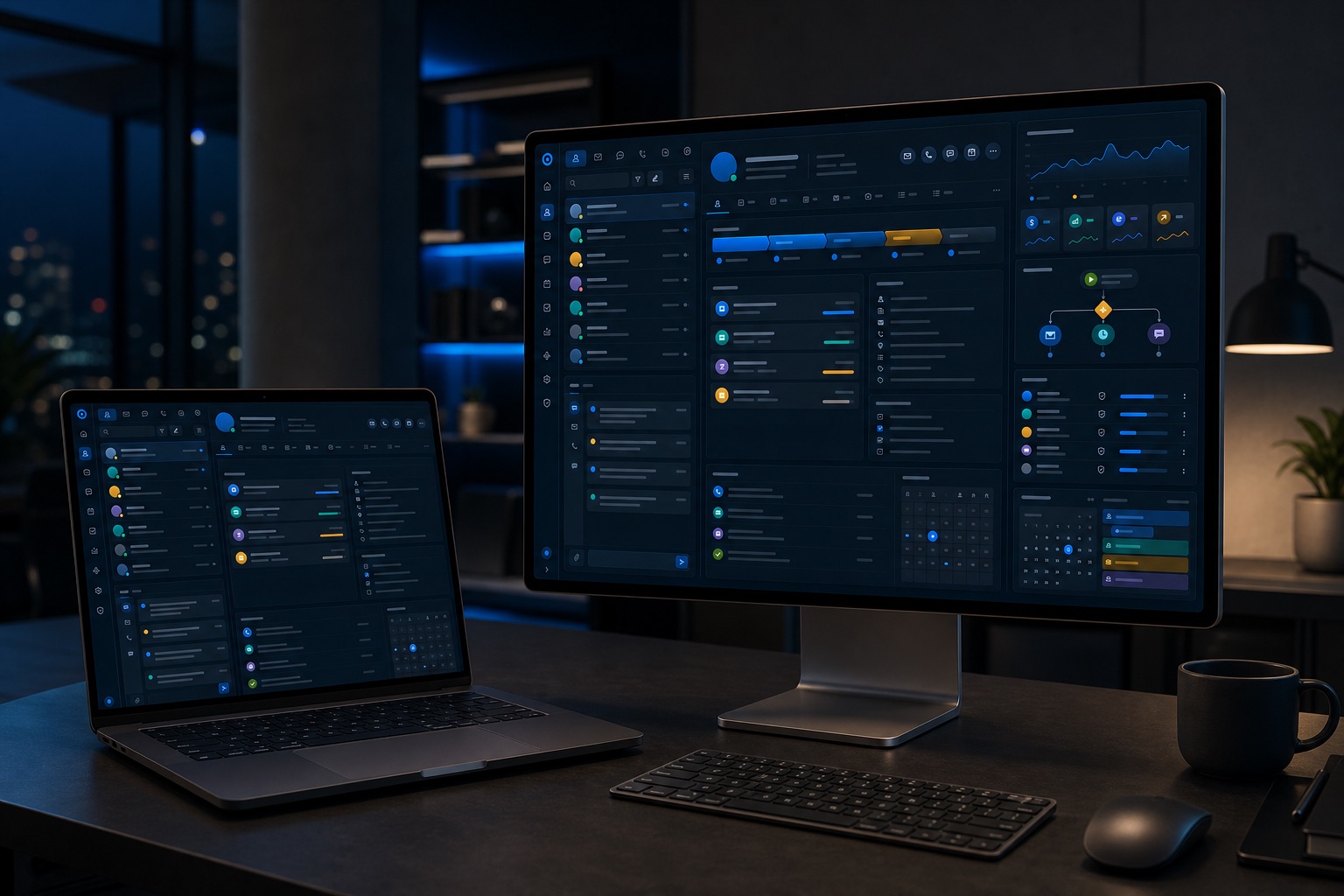
Vasiona CRM is our sales and operations platform, configured around your process, roles, and locations. Contacts, conversations, appointments, tasks, automations, and analytics live in one system while AI agents and workflows execute repetitive work in the background.
Companies whose contacts and conversations live across disconnected tools
Sales and operations teams without a reliable view of ownership and next steps
Businesses with multiple locations, roles, calendars, and operating processes
Teams forced to adapt their process to a standard CRM
Contact, company, lead source, messages, calls, appointments, notes, tasks, and active opportunities are available in one context instead of across multiple tabs and inboxes.
A stage change can assign a task, send a message, alert an owner, or start an AI agent. Rules follow your process, not the other way around.
Dashboards connect campaigns and sources with handling, opportunities, and revenue, showing management where the process works and where bottlenecks appear.
Unified contact and company profiles with activity history, lead source, status, and relationship owner.
Configurable stages, opportunities, values, and next steps that give sales a clear view of every active deal.
Email, SMS, calls, and messages in one place, with the full conversation history available to the responsible team.
Appointments, responsibilities, internal notes, and reminders tied to each contact and opportunity.
Visual rules, workflow execution, and AI agents that update records, trigger messages, and route work.
Real-time conversion, lead-source attribution, sales performance, and revenue reporting.
Employee roles, separate teams and locations, integrations with existing tools, and a trace of every material change.
We do not begin with an empty custom project. We start from the Vasiona CRM platform and configure data, pipeline, inbox, booking, permissions, dashboards, and automations around the way your team works. This delivers a faster implementation without giving up flexibility.
Rollout happens by team and process, including data migration, rule testing, and user onboarding. Audit logs and permissions maintain control, while analytics show lead source, response speed, conversion, and revenue without manual reporting.
One reliable view of customers, conversations, pipeline, and booking
Less manual work through built-in automation and AI agents
Attribution, revenue dashboards, and access control ready for multiple teams and locations
We define key entities, stages, roles, locations, access rules, and reports required for daily work.
We configure pipeline, inbox, booking, fields, dashboards, and automations on the existing platform instead of developing an empty CRM from scratch.
We clean and import relevant data, connect tools, and test permissions and workflows against real operating scenarios.
Users receive onboarding and clear workflows while dashboards and audit logs show adoption and data quality.
Access permissions by role, team, location, and data type
Audit logs for material changes and automation executions
Controlled migration, validation, and data export
AI agents and workflows operate within predefined permissions
No. It is Vasiona's platform, configured around your data, processes, roles, and integrations for faster implementation without giving up flexibility.
Yes. Before migration, we define what moves, remove duplicates, and validate required fields, relationships, and contact ownership.
Yes. Locations and teams can have separate pipelines, calendars, rules, dashboards, and permissions with a shared management view.
No. The CRM can become the central source of truth while specialized tools remain connected where they already do their job well.
The Revenue Systems Audit maps your current process, points of loss, and the next step with clear scope and priorities.