 VASIONA
AI reception when the team is unavailable
The agent answers, identifies the reason for the call, handles approved questions, and completes routine requests without a queue. Important or sensitive situations route immediately to a person.
System 02 / 04
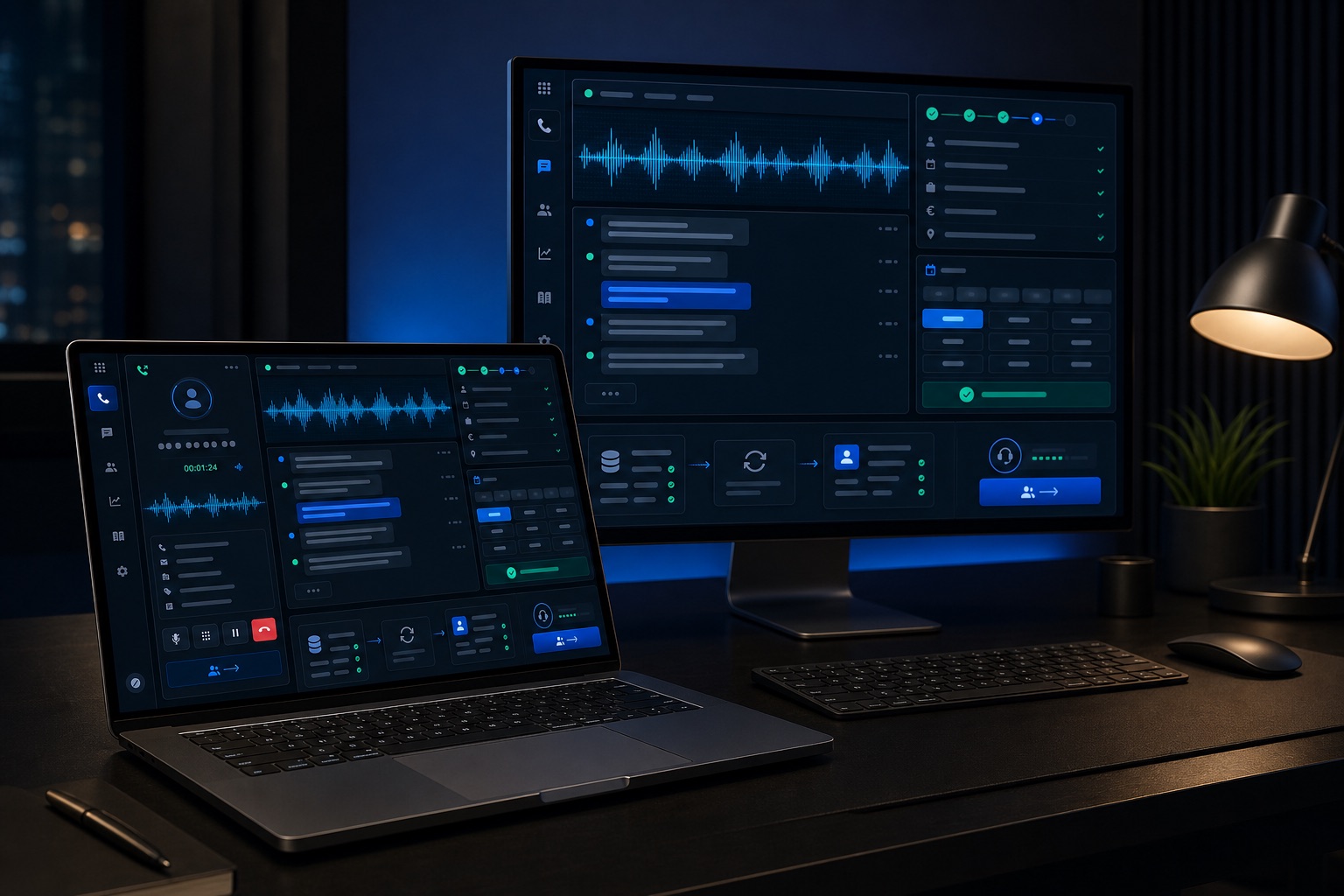
Vasiona Voice handles calls your team cannot answer in time, qualifies interest, books or changes appointments, and records every outcome. The agent follows your rules, speaks in your brand voice, and brings in a real person whenever a conversation needs judgment or an exception.
Teams losing calls during peak periods, outside business hours, or across locations
Businesses handling a high volume of repetitive questions and booking requests
Companies that need structured qualification before sales takes over
Teams with old leads and missed calls that are not followed up systematically
The agent answers, identifies the reason for the call, handles approved questions, and completes routine requests without a queue. Important or sensitive situations route immediately to a person.
The system can quickly follow up on a missed call, verify interest, send confirmation, and offer a time instead of leaving the contact as an unknown number in call history.
Controlled calls confirm appointments, check request status, or reactivate selected contacts. Every outcome and next action is recorded automatically.
The agent answers 24/7, handles common questions, routes customers, and supports routine requests without queues.
Follow-up, missed-call recovery, and old-lead reactivation based on clearly defined rules and contact lists.
The agent captures essential details, evaluates fit, and transfers to a real person whenever a lead or situation needs human judgment.
Direct calendar synchronization for booking, rescheduling, cancellation, and automatic appointment reminders.
After the call, the system sends confirmation or next steps, saves the transcript, and creates a concise team summary.
Outcomes, data, and activities are written to the CRM, with support for multiple languages and flows by location or team.
We analyze inbound and outbound calls, common questions, qualification criteria, calendars, escalation rules, and every situation where the agent must stop. From that, we design a natural conversation that completes a clear business task.
The pilot starts with a limited call set and full visibility into transcripts and outcomes. We measure answer rate, qualification, booking, human transfer, and CRM data quality before expanding autonomy.
More calls handled and faster response without expanding reception or the call center
More qualified leads and appointments recovered from missed and older contacts
Complete records of conversations, confirmations, and next steps in the CRM
We review call reasons, common questions, customer language, booking rules, and situations that require specialist judgment.
We define tone, questions, permitted actions, transfer conditions, exceptions, and the data retained after each call.
The agent receives the context required to complete a task instead of ending every conversation with a promise that someone will call back.
We begin with a limited flow, review transcripts and outcomes, and expand scenarios and autonomy only after validation.
Clearly defined scenarios, permitted actions, and points where the agent must stop
Immediate human transfer with the conversation context preserved
Transcripts, summaries, and outcomes available for quality review
Recording, identification, and data-retention rules configured to company policy
In many setups, yes. The technical model depends on the provider and current number configuration, which we verify before the pilot.
Yes. Transfer can depend on call reason, qualification, business hours, priority-customer status, or an explicit user request.
Yes. Each location or team can have different languages, numbers, calendars, rules, and call flows.
The pilot includes transcript, summary, outcome, and handoff review. We use that evidence to improve speech, questions, and operating rules.
The Revenue Systems Audit maps your current process, points of loss, and the next step with clear scope and priorities.